

Timeline editor
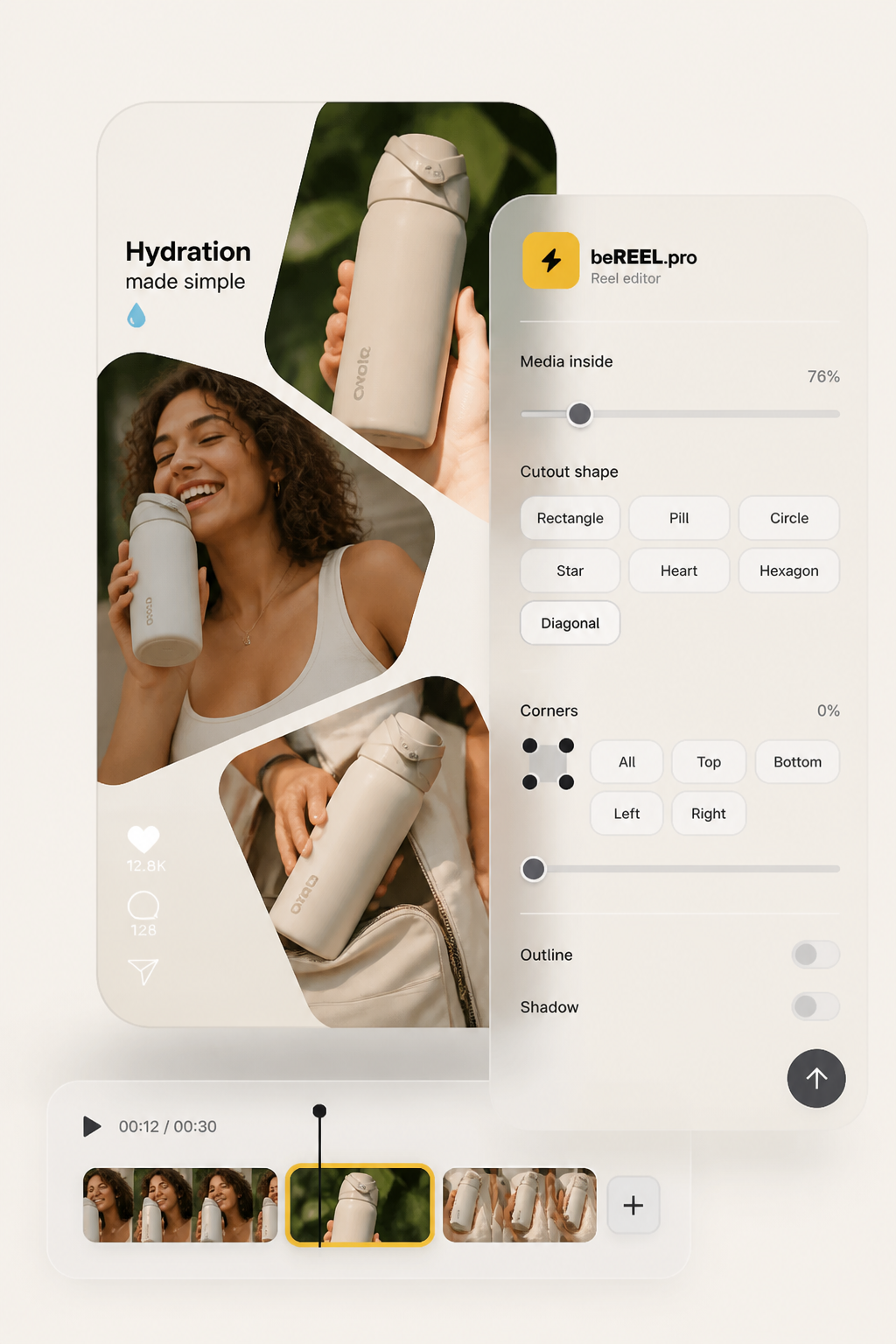
Trim, split, and reorder on a 9:16 canvas

One studio from brief to posted Reel.
See pricing Start freeQuestions about formats or rights?
Read the blog Ask usReels editor
One timeline for your whole team. Drop in YouTube, your footage, or a generated cut. Trim, caption, sticker, mask, and post without leaving beREEL.
Save hours
Trim, caption, and sticker on the same canvas. Finish the cut where it started.
Cut costs
Timeline, captions, GIFs, stickers, and masking under one login.
More Reels
YouTube, podcast, or demo footage becomes fresh vertical cuts for the week.
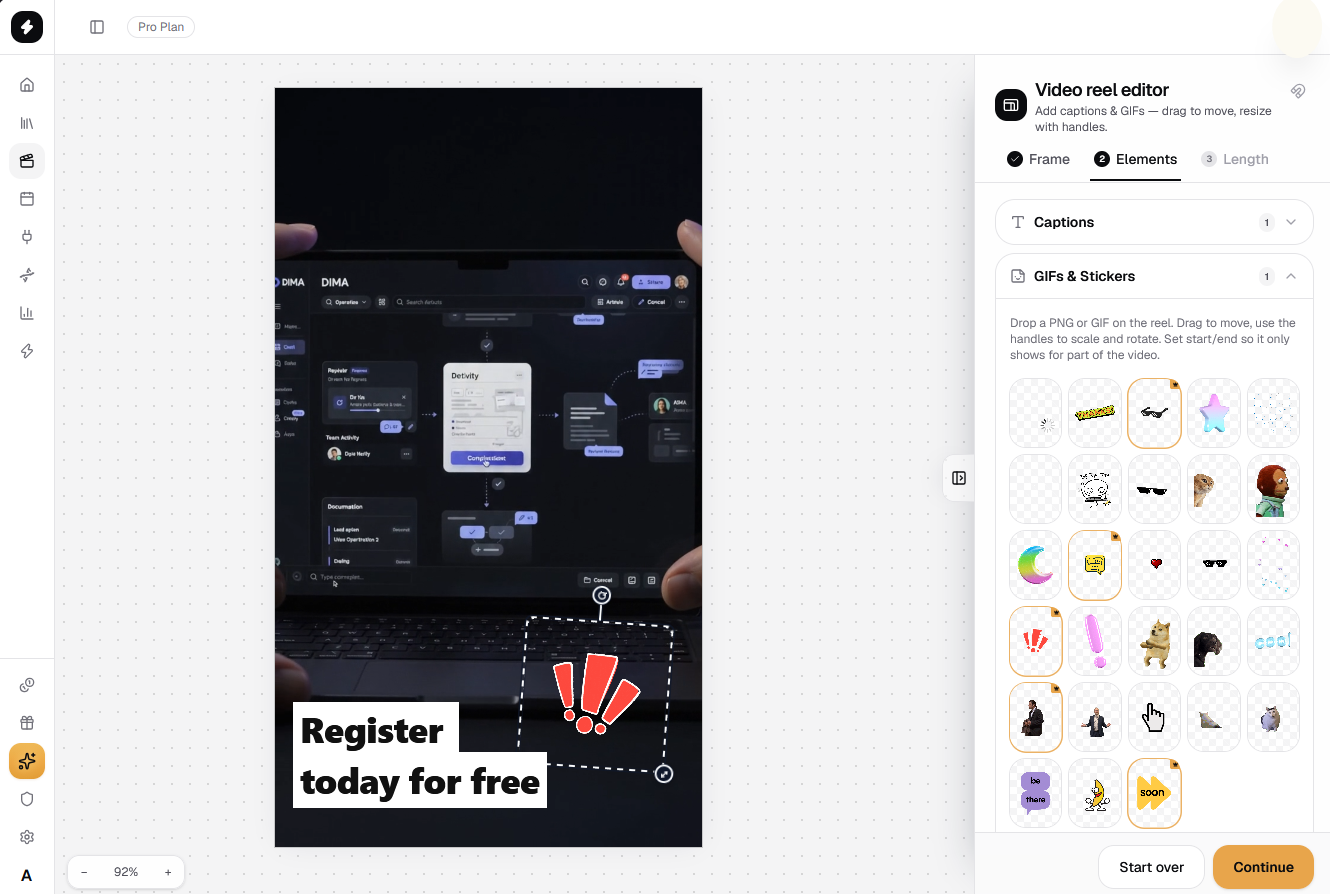
Timeline
Drag beats until pacing clicks. Turn long form into vertical shots. Polish generated cuts or your own uploads on the same canvas.
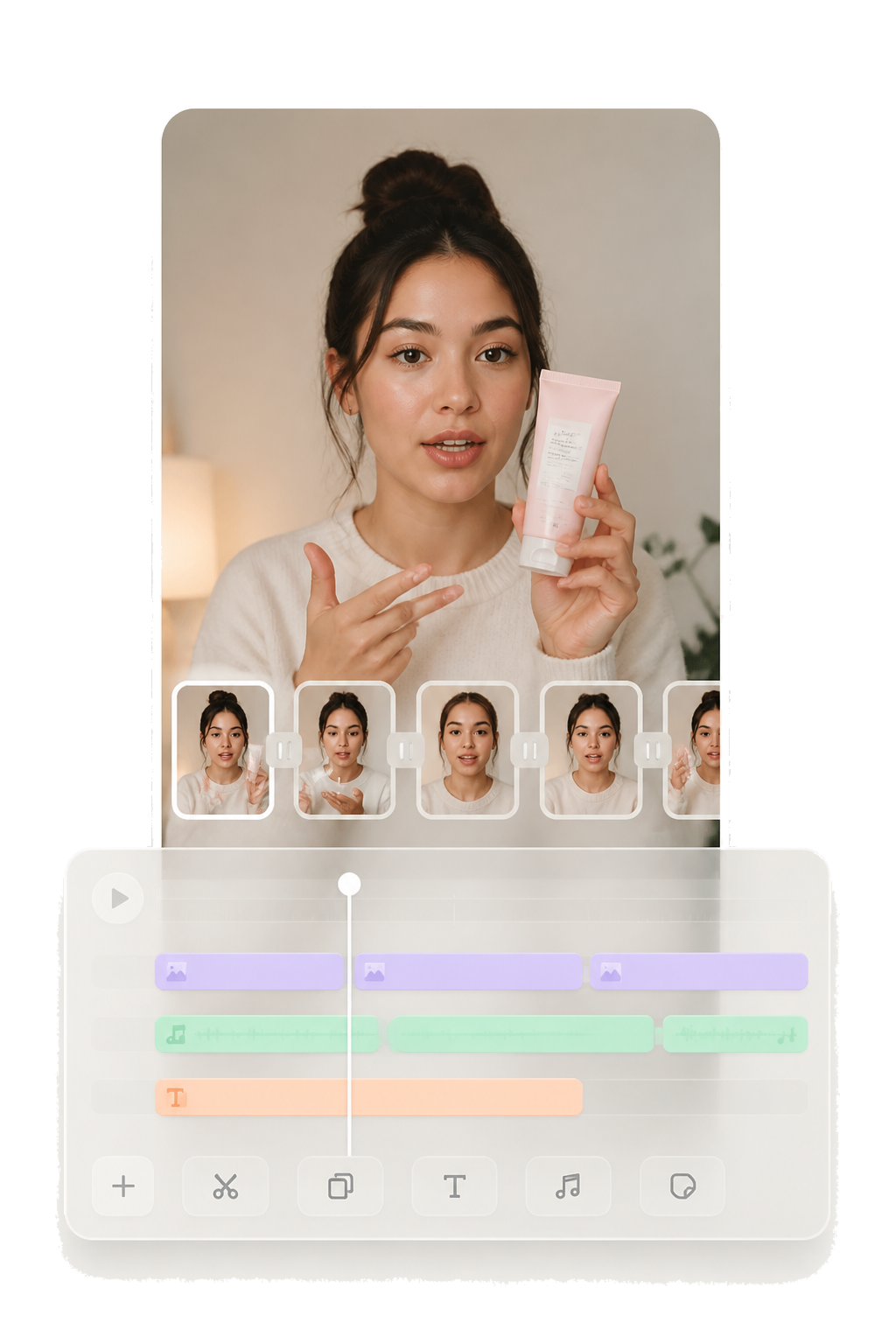
Captions
Animated type that reads clean, sits in the safe zone, and sounds like your brand on every frame.
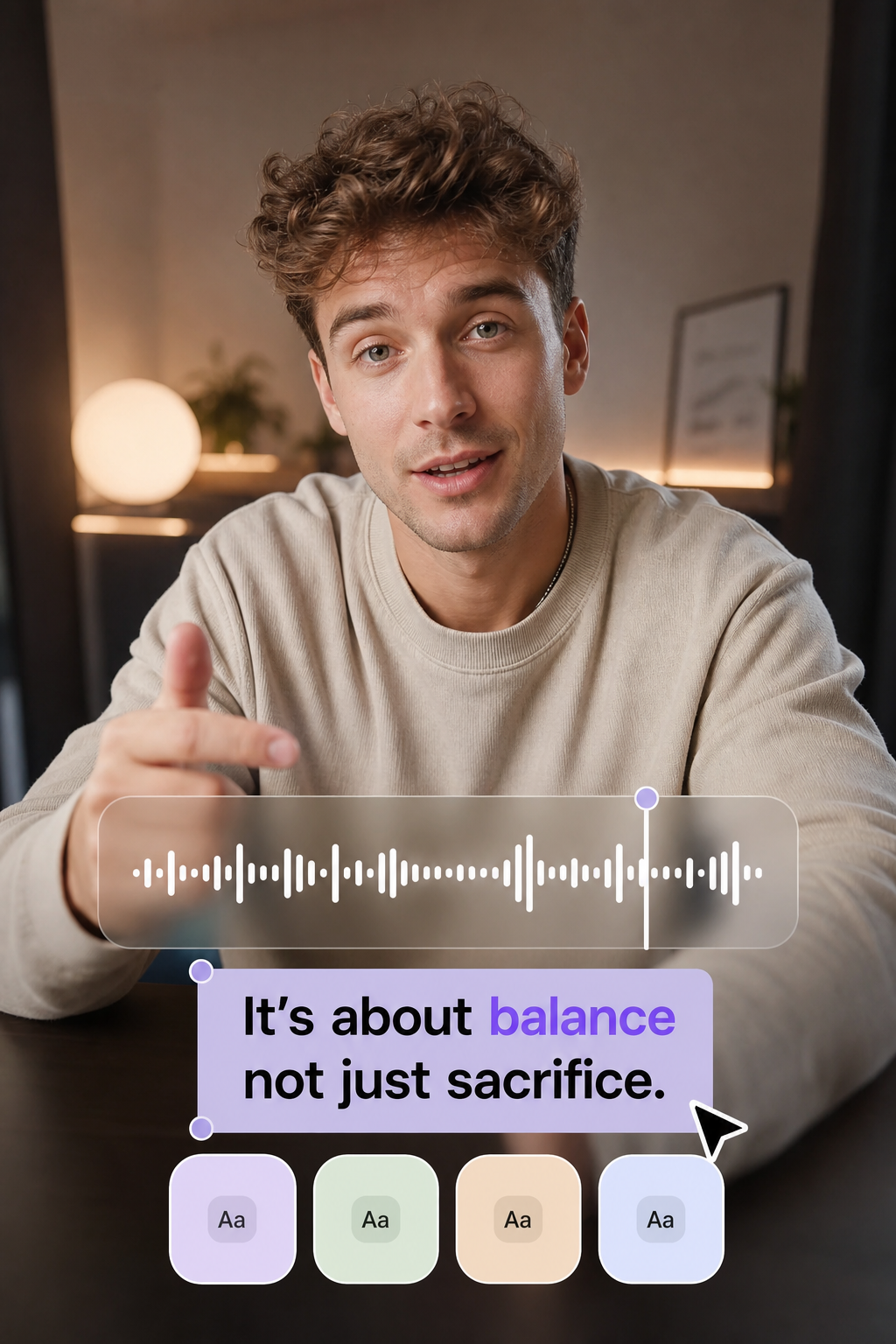
Polish
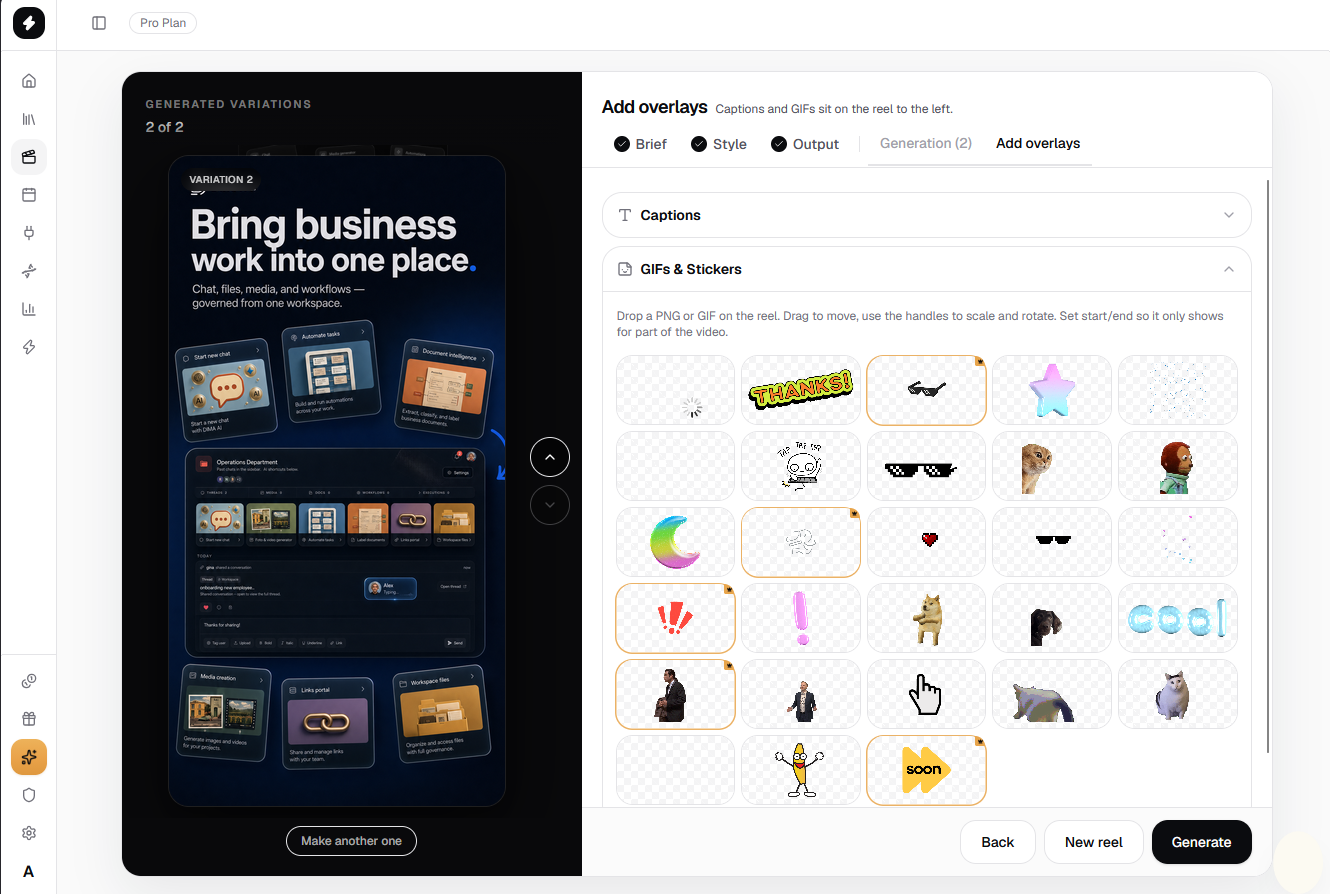
Drop personality on canvas. Mask product and face. Own the last mile when AI got you most of the way there.
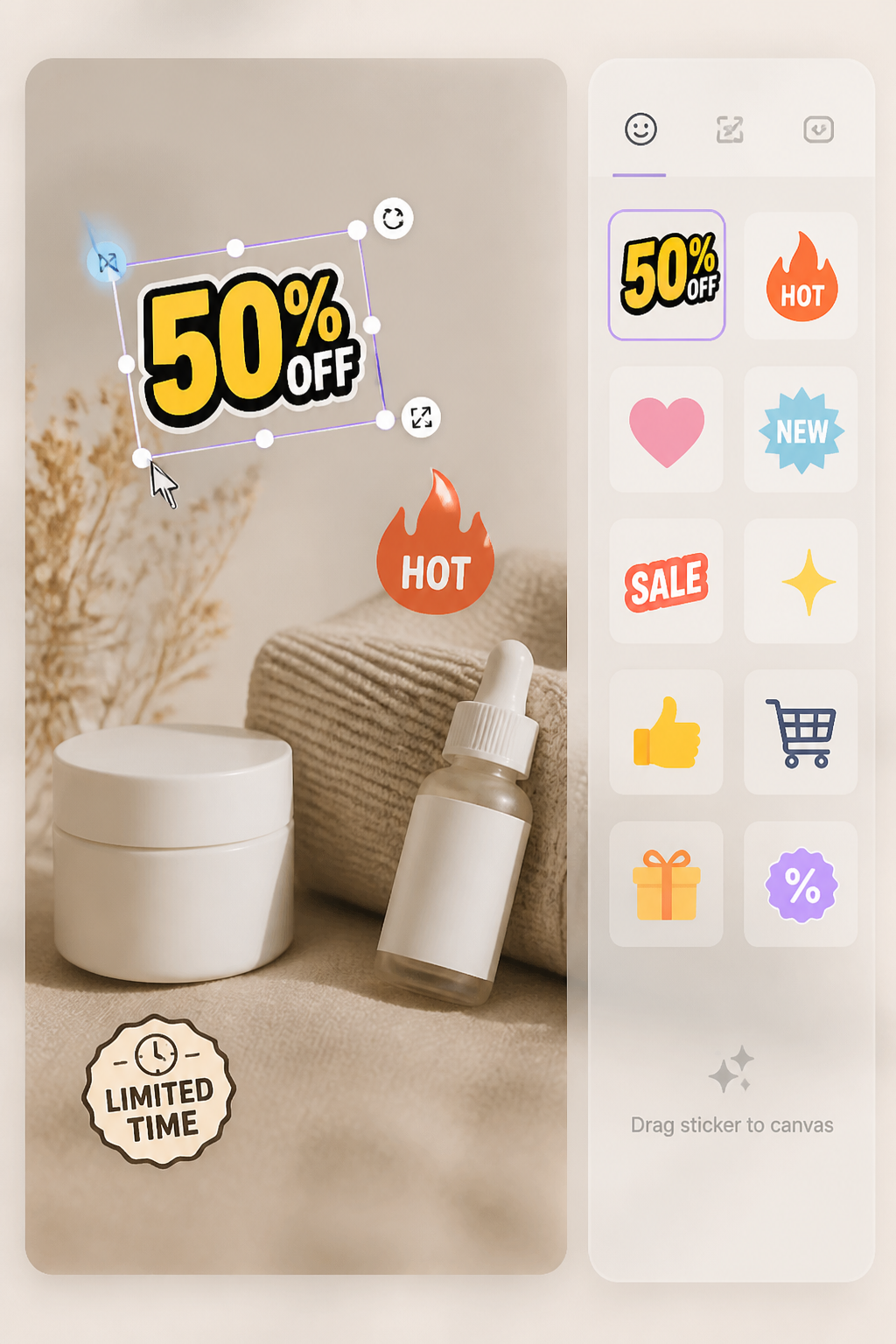
Masking
Stack masks on clips and stills, reshape each one, and layer until the frame looks built on purpose, not pasted on.
In the editor
Timeline, captions, and polish tools your team opens every day. All inside beREEL.
Trim, split, and reorder on a 9:16 canvas
Professional animated type in your brand voice
Add personality without opening another app
Bring long-form in, cut vertical shots out
Podcasts and explainers into Reels and Stories
Cut subjects clean and layer text over video
Hooks, labels, and CTAs on any beat
Edit uploads and beREEL-generated cuts alike
Showcase
Timeline, captions, stickers. Finished in the editor, five niches.
Which path
Same account, same Brand DNA. Pick the job that fits today. Both live in one studio.
Generator
Editor
Next in the studio
The cut is ready. Generate more, dub, schedule, track, or lock Brand DNA from here.
Photo, video, or URL in. Hooks and captions on brand.
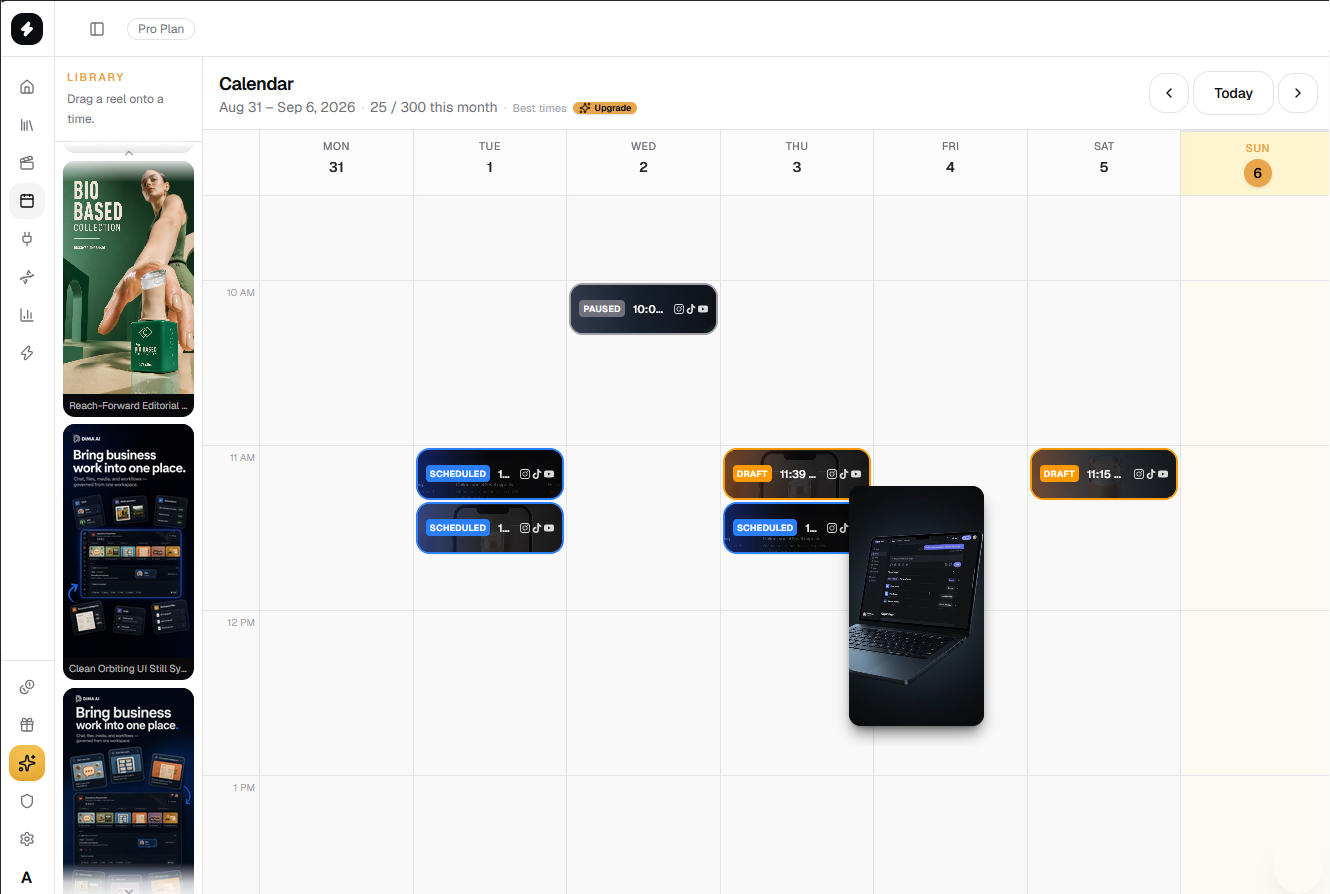
Queue Reels to TikTok, Instagram, Shorts, and more.
See what landed. Feed the next generate batch.
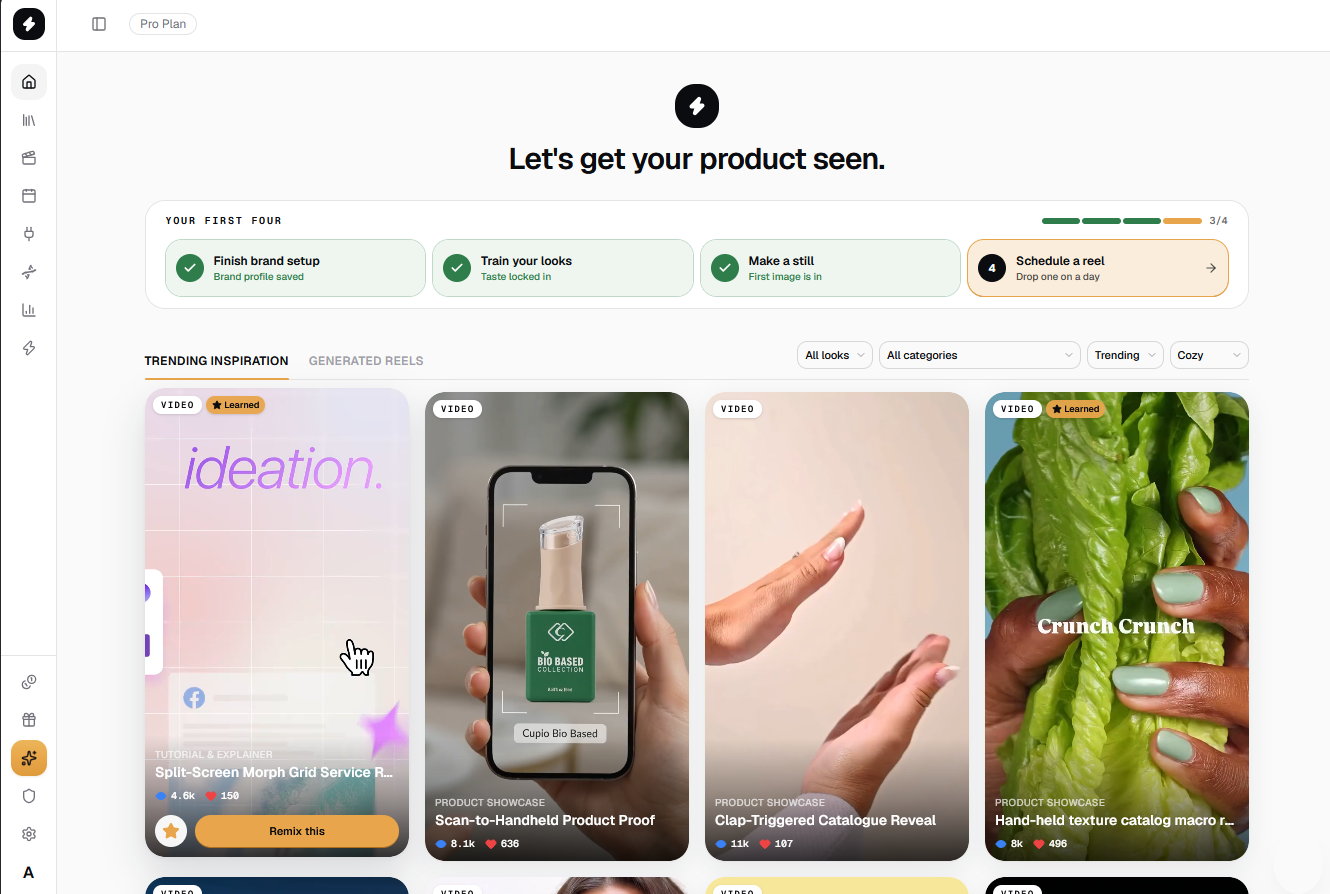
Teach brand, taste, and niche so every cut stays yours.
FAQ
No. Open the editor on the same canvas. Trim, caption, sticker, and mask without exporting elsewhere or hiring help for every tweak.
Yes. Paste a YouTube link or upload your file, then trim, caption, sticker, and mask on the same timeline. Works on your footage and beREEL-generated cuts.
Free includes the studio and 750 credits to start. Pro unlocks more editor volume when you ship Reels and Stories every week.
A Reels first editor inside your brand studio: timeline, captions, stickers, YouTube import, and Brand DNA on the same desk as generate and schedule.
Yes. Every element is selectable: timing, text, stickers, masks, and captions. Undo, restore, and export when it feels like your brand, not a template.
No card
Import a YouTube link or open what you generated. Caption it, sticker it, schedule it.